checklist
How should I name files and tag people so a family can still search the archive in twenty years?
Metadata is the deliverable that outlives your software. A working checklist for filename structure, embedded IPTC and EXIF fields, date handling, and person tagging that survives an export.
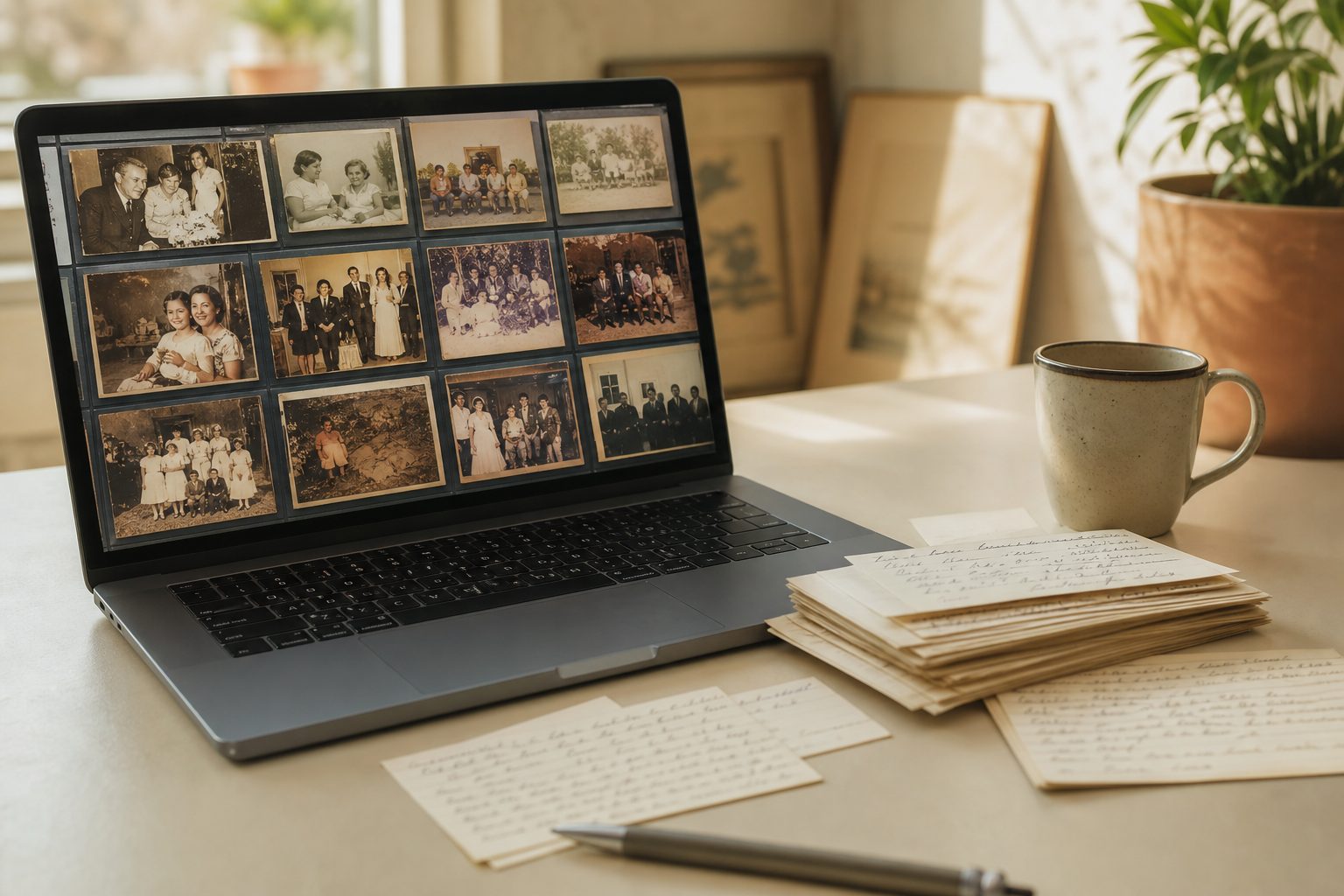
The archive survives twenty years if the information lives in two places at once: in the filename, which any operating system can read forever, and embedded in the file itself using standard IPTC and EXIF fields that every serious program understands. Anything that exists only inside one application's catalog database is a temporary convenience, not a deliverable.
So the working rule is simple. Assume the family will open these files in software that does not exist yet, on a computer they have not bought, with nobody to ask. Name files so a human can read them cold. Write dates, captions, and people into embedded fields. Then test the export before you deliver, because untested metadata is a promise you have not kept.
Below is the checklist I would hand a new technician, in the order the decisions actually get made on a project.
Filename structure that sorts correctly and stays readable
A filename has one job that the metadata cannot do: it puts files in a sensible order in any file browser, on any device, with no software at all. Design for that.
A structure that holds up:
YYYYMMDD_source-box_sequence_short-description.tif
For example: 19710612_box03_0147_wedding-reception-cake.tif
The rules behind it:
- Date first, ISO order. Year, month, day with no separators sorts chronologically as plain text. American month first order does not.
- Zero pad everything. 0147 sorts correctly next to 1147. Item 147 does not.
- No spaces. Use hyphens inside words and underscores between fields. Spaces break scripts and mangle links.
- ASCII only. No ampersands, slashes, colons, quotation marks, or accented characters. Those still cause trouble across operating systems and cloud sync.
- Lowercase. Some file systems care about case and some do not. Pick lowercase and never think about it again.
- Keep the whole path under roughly 200 characters. Long folder trees plus long filenames still hit path limits on Windows.
Where the date is unknown, use a partial and pad it consistently: 1971uuuu or 197uuuuu. It still sorts into the right neighborhood and it is visibly honest about what you do not know.
Never encode a person's name in the filename as your only record of who is in the picture. Names belong in metadata, where they can be corrected and searched. Filenames should not have to be renamed when a cousin identifies the man on the left.
Keep reading: Why do my clients keep stalling at the sorting stage, and how do I move the project forward?
Which metadata fields actually travel between programs
There are hundreds of available fields. A small number are read and written by nearly everything, and those are the ones worth your labor. The rest are optional decoration.
| Purpose | Field to use | Notes |
|---|---|---|
| Caption or description | IPTC Description, also shown as Caption | The most widely read text field. Put the story here. |
| Date of the original | IPTC Date Created | The date the photo was taken, not the scan date |
| Scan date | EXIF DateTimeDigitized | Set automatically by most scanners. Leave it alone. |
| Keywords and people | IPTC Keywords | Flat list, read almost everywhere |
| Named face regions | XMP region tags | Support varies. Useful, but never your only record. |
| Place | IPTC City, State, Country | Structured and searchable |
| Source and credit | IPTC Source, Credit | Record which family member supplied the original |
| Title | IPTC Title, also called Object Name | Short label, not a sentence |
Put people in Keywords even when you also use face regions. Keywords is the field that will still be readable in software nobody has written yet.
Embedded metadata versus catalog only tags, and the export test
Cataloging programs store tags in their own database and, depending on settings, may or may not write them into the files. Album stacks, custom fields, star ratings, and collection membership are frequently catalog only. So are many face recognition results.
If the family opens the drive on a different computer and your tags are catalog only, the archive arrives as untitled images. That is the failure mode this whole discipline exists to prevent.
The export test, in seven steps
- Pick five files from different batches, including at least one with a person tag and one with an uncertain date.
- Write metadata to file from your cataloging software, then confirm the write completed.
- Copy those five files to a folder outside your working library, on a different drive.
- Open the copies in a second program you did not use to tag them.
- Check that Description, Date Created, Keywords, and location survived.
- Note which fields did not survive, and either move that information into a field that does or accept losing it.
- Repeat once per project, and again whenever you update your cataloging software.
Two practical cautions. Some workflows write metadata to a companion sidecar file rather than into the image, which works only if the sidecar travels with the image and the receiving program looks for it. And metadata behavior differs by format: TIFF and JPEG carry embedded fields reliably, while some formats and some compression steps silently drop them.
Keep reading: What actually happens to prints, slides and VHS tapes stored in a hot garage for thirty years?
Recording uncertain dates: circa, decade, and date ranges
Most of what you scan is undated. Guessing precisely is dishonest, and leaving the field empty destroys the chronological sort that makes the archive usable.
Use a two part convention: a machine sortable approximate date in the date field, and the honest uncertainty in the caption.
| What you know | Filename date | Date field | In the caption |
|---|---|---|---|
| Exact date on the back | 19550704 | 1955-07-04 | Date from inscription on verso |
| Month and year | 195507xx | 1955-07 | Month and year only |
| Year only | 1955xxxx | 1955 | Year only |
| Roughly a year | 1955xxxx | 1955 | circa 1955, based on the car in the driveway |
| A decade | 195uuuuu | 1955 | 1950s, decade estimated from clothing and print border |
| A range | 1953xxxx | 1953 | Between 1953 and 1958, after the move and before the barn was rebuilt |
When you estimate a decade, put the midpoint in the sortable field so the image lands in the right stretch of the timeline, and say plainly in the caption that it is a midpoint. Always record the evidence. "circa 1955" is a guess. "circa 1955, based on Kodak border style and the 1954 Chevrolet" is research a grandchild can check.
Person tagging conventions for maiden names, nicknames, and duplicates
People are where family archives get messy, because the same woman appears as Betty, Elizabeth, Mrs. Harold Rowe, and Betty Mercer depending on the decade.
Adopt one canonical form and use it every time, with alternates added as extra keywords:
- Canonical form: given name, maiden surname, married surname, birth year in parentheses. For example, Elizabeth Mercer Rowe (1931).
- Alternates as additional keywords: Betty Rowe, Betty Mercer. Both then find the same photographs.
- Birth year disambiguates duplicates. Three generations of Harold Rowe become Harold Rowe (1904), Harold Rowe (1931), and Harold Rowe (1962).
- Unknowns get a named stand in, not silence. Unidentified man, Rowe family line, box 03. That is a searchable to do list for the family.
- Groups get their own keyword. Rowe family reunion is worth tagging even when you cannot name half the faces.
Maintain a single name authority list for each client project and require every technician to pick from it. The list, delivered as a plain text or spreadsheet file alongside the images, is one of the most valuable things you hand over, because it tells the next person how the vocabulary works.
See how PaperKeepsake handles this for memory keeping and photo organizing services
Folder structure by family line, era, or source box
Pick one organizing principle for folders and let metadata handle every other view. Folders are a single hierarchy. Tags are unlimited.
Three structures that work, in the order I would consider them:
- By source box. Mirrors your intake inventory, keeps provenance visible, and is by far the easiest to audit against your container log. Best default for a first pass on undifferentiated shoeboxes.
- By family line, then decade. Rowe, then 1950s. Matches how families think, and works well when the material is already sorted by branch.
- By decade, then event. Good for a single household's material with a strong chronological spine.
What to avoid: folders named after the person doing the sorting, folders named Miscellaneous or To Sort in a delivered archive, and nesting more than three or four levels deep. Deep trees hit path limits and hide material from the people you built this for.
A final quality control pass before delivery
Run this before the drives leave your studio. Sample rather than checking every file: twenty five files per thousand, drawn from every batch, catches systematic errors, which are the only kind that matter at this stage.
- File count reconciles against the batch log and the intake inventory
- No filenames contain spaces, uppercase, or non ASCII characters
- Every file has a date field populated, including approximate dates
- Every file has at least one keyword
- Person names in the sample all appear in the project name authority list, spelled identically
- Captions contain no internal shorthand and no technician initials
- Export test passes on fresh sample files from at least three batches
- The name authority list, a plain language readme, and the folder map are all on the drive
- Both delivery drives mount and open on a computer that is not yours
- The archive index resolves to files that actually exist
The readme is the piece most studios skip and the piece the family will thank you for. One page: what the folder structure means, which fields hold what, how to read the circa convention, and how to add to the archive without breaking it.
Making the standard hold across a whole project
Every item here is achievable by hand on fifty photographs. Across four thousand, split into batches over three months and touched by two technicians, consistency is the whole game. A convention nobody can look up is a convention that decays by the second week.
That is the work PaperKeepsake is built for. Client archive projects hold the scanning batches, the date and person tagging, and the name list in one place, so the vocabulary stays fixed across every batch and the shareable family index comes out matching the files on the drive. Set the standard once, then let the project keep everyone honest to it.